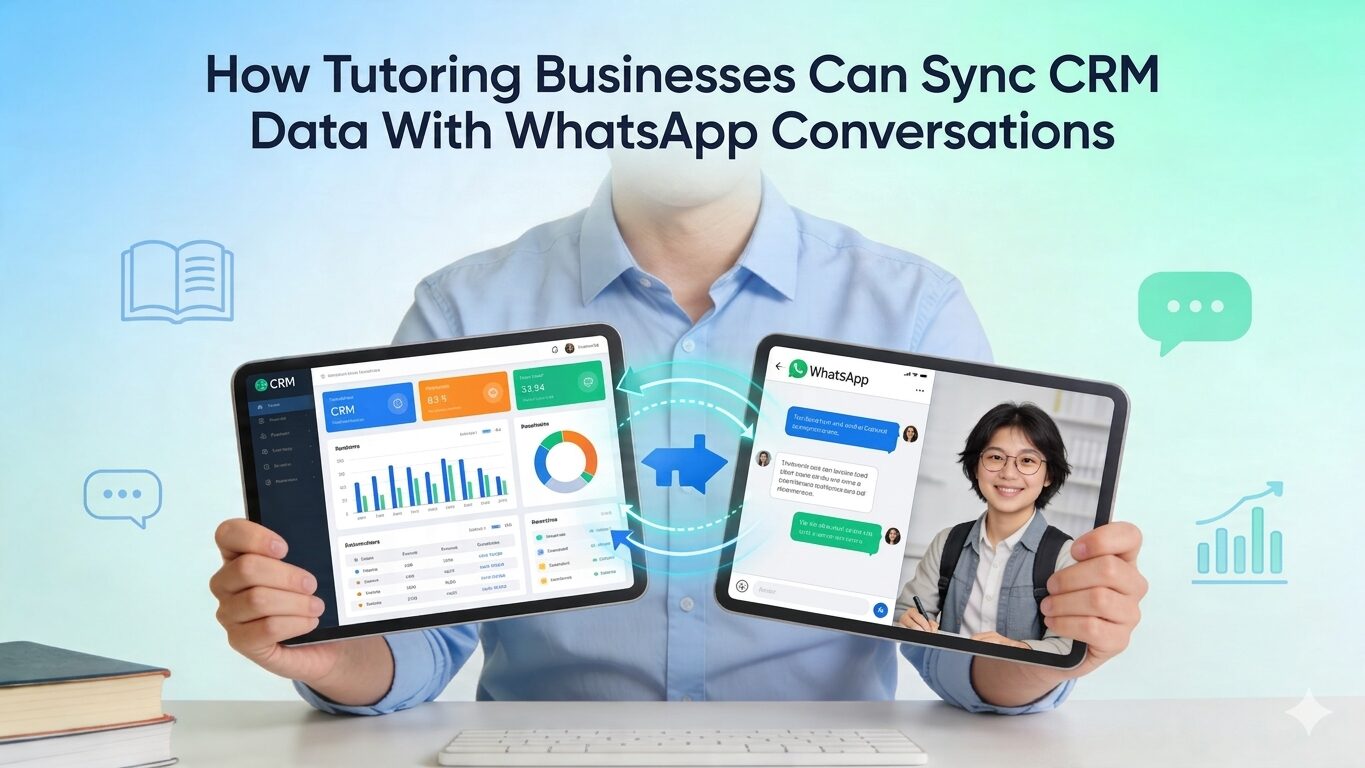
Tutoring businesses sync CRM data with WhatsApp by connecting their student management platform to WhatsApp via native integrations, Zapier, Pabbly, or the WhatsApp Business API. Once connected, student events (sessions completed, invoices due, reports generated) automatically trigger personalised WhatsApp messages to parents. No manual typing. No chasing. No missed follow-ups.
Why WhatsApp and Your Student CRM Are Running as Two Separate Systems
Most tutoring businesses already store student data in a CRM or tutoring platform. Session logs, attendance records, invoices, and progress reports. It is all there.
Most tutoring businesses also communicate with parents on WhatsApp. Reminders, updates, payment follow-ups, and scheduling changes. It all happens there.
The problem is that these two systems do not connect; a parent messages asking whether their child attended last Tuesday’s session. Someone on your team opens the CRM, checks it, and then types a reply on WhatsApp. Another parent asks about an overdue invoice, same process. A lead asks about pricing. Again, manual.
The data exists. The context is there. But it stays locked on your platform while your team manages WhatsApp manually.
A WhatsApp CRM integration for tutoring closes that gap. It connects your student data to WhatsApp so the right message reaches the right parent at the right moment, automatically.
How Big Is the WhatsApp Channel for Tutoring Businesses?
WhatsApp is the dominant communication channel in most markets where tutoring businesses operate.
As of January 2026, WhatsApp has over 3.3 billion monthly active users globally. India is the largest private tutoring market, with over 535 million users. The UK, home to businesses like Explore Apollo Tuition and Study Smart, has 30 million daily active WhatsApp users.
Engagement numbers explain why this channel matters operationally. WhatsApp Business messages achieve open rates of 95-98%, compared to 20–43% for email. Users respond to WhatsApp messages within 45–90 seconds on average, whereas with email, it can take hours.
For time-sensitive tutoring communications like session reminders, payment due dates, and rescheduling notices, that speed difference shapes whether a parent shows up informed or confused.
What Does WhatsApp Integration With Student CRM Actually Do?
When your tutoring platform and WhatsApp are connected, data in your system becomes the trigger for conversations.
These are the four data points worth connecting first:
-
Session and Attendance Data
When a session is marked complete, WhatsApp automatically sends the parent a recap: the tutor’s name, topics covered, attendance confirmed, and a link to the session recording. When a student misses a session, the system flags the absence and sends a check-in, so no one on your team needs to notice or manually follow up.
-
Payment and Invoice Status
When an invoice is generated, a WhatsApp message goes to the parent with the amount and due date. When payment is overdue by 3 days, an automated reminder is sent. When payment clears, a confirmation goes out. Payment chasing stops being a human job.
-
Enrolment and Onboarding
When a new student is added to your CRM, WhatsApp sends the parent their login credentials, the first session time, the tutor’s name, and a link to download your branded app. No welcome email sitting unread. No parent texting to ask how to get started.
-
Progress Reports
When your platform generates a monthly progress report, it is automatically sent to the parents’ WhatsApp. Parents who receive regular, specific updates renew. Parents who hear nothing do not. This is the core value of WhatsApp integration with student CRM: turning data your platform already generates into conversations that build retention.
The Three Communication Patterns That Hold Tutoring Businesses Back
Most tutoring businesses using WhatsApp fall into one of three patterns.
Pattern 1: The Broadcast Account. Bulk updates go out: schedule changes, holiday notices, and new batch announcements. No personalisation. Parents treat it like a newsletter and stop reading it.
Pattern 2: The Manual Reply Queue. Every message gets handled by a person. This works for 20 students. At 80 students, it becomes a full-time job no one budgeted for.
Pattern 3: The Two-Tool Problem. The business has a CRM and a WhatsApp account. A human reads one and types into the other. The integration is a person, not a system.
The fix is the same in all three cases: treat WhatsApp as an output layer for your CRM. Every meaningful event on your platform (session completed, payment due, student enrolled) should automatically trigger a WhatsApp message, not sit on someone’s to-do list.
How to Set Up a WhatsApp CRM Integration for Educational Institutions
There are three practical routes. Which one fits depends on your current setup and session volume.
Route 1: Use a Tutoring Platform With Native WhatsApp Support
The fastest route is a platform that already integrates with WhatsApp. Wise’s automated reminder system delivers session confirmations, reminders, and updates via WhatsApp, email, and SMS, with no external tool required. The data mapping is built in. You configure when messages go out and to whom, not how the systems communicate. For most tutoring businesses, this is enough.
Route 2: Use Zapier or Pabbly to Bridge the Gap
If your platform does not include WhatsApp natively, automation tools handle the connection. Zapier and Pabbly Connect are both supported as Wise integrations and let you build triggers and actions between apps without writing code.
A basic workflow looks like this:
- Trigger: Session marked complete in your tutoring platform
- Action: WhatsApp message sent to the parent with a recording link
Or:
- Trigger: Invoice unpaid after three days
- Action: Payment reminder sent to the parent’s number from your CRM record
Pabbly Connect works well for high-volume operations because it charges a flat monthly rate rather than per task. If you run 200 sessions a week, per-task pricing adds up fast.
Route 3: WhatsApp Business API via a BSP
For businesses managing hundreds of students across multiple tutors, the WhatsApp Business API gives full programmatic control. It is accessed through a Meta-authorised Business Solution Provider. You can segment by cohort, trigger messages from CRM webhook events, and manage two-way parent conversations in a shared team inbox.
This route takes more setup. It is the right choice for operations running at the scale covered in how large tutoring businesses manage growth.
Five WhatsApp Automations Worth Activating First
Start with the top two. Add the others as your student volume grows.
| Automation | CRM Trigger | WhatsApp Message |
| Session reminder | 24 hours before the session | Tutor name, time, and join link |
| Attendance confirmation | Session marked complete | Attendance confirmed, recording link |
| Payment reminder | Invoice overdue by 3 days | Amount due and payment link |
| Welcome onboarding | A new student enrolled | Login details, first session info, app link |
| Progress report delivery | Monthly report generated | The report is linked to the student’s name |
What Tutoring Businesses See After Connecting These Systems
Finn Au, founder of Explore Apollo Tuition in the UK, moved to Wise and eliminated three days of monthly payment calculations. Billing is automated, and with it, every follow-up message that manual billing used to require is no longer needed—the outcome: zero missed payments, and hours freed to focus on growth.
The WhatsApp layer extends this directly. When attendance is logged automatically, parent updates go out automatically. When billing runs automatically, payment reminders fire automatically. Two parallel jobs become one connected system.
Serah John at Music Pandit reported eliminating over 100 hours of manual admin after connecting scheduling, attendance, and parent communication inside a single platform.
That pattern repeats across WhatsApp CRM integration for educational institutions broadly: language schools, music academies, test prep businesses, and corporate training providers. Session volume differs. The communication problem is identical.
For how CRM tools compare before adding the WhatsApp layer, see the top CRMs for tutoring businesses.
For how the CRM and tutoring platform relationship works at the tool selection stage, see the GoHighLevel alternative guide for tutoring businesses.
Three Things to Verify Before You Build the Integration
These three checks prevent most integration failures before they happen.
- Phone number consistency. WhatsApp delivery requires that the number in your CRM matches the number on the parent’s WhatsApp account, including the country code. If your data has inconsistent formats, clean them before connecting the tools.
- Parent opt-in. Meta’s WhatsApp Business Policy requires explicit consent before sending business-initiated messages. Add a checkbox to your enrolment form: “I agree to receive session updates and reminders via WhatsApp.” This protects your account quality rating and keeps you compliant.
- Template pre-approval. For API-based messaging, templates that initiate conversations must be submitted to Meta for approval. Service message templates, such as session reminders and payment confirmations, are typically approved within hours. Build and submit them before launch, not after.
Once these three conditions are met, the integration needs minimal maintenance. The system handles communication. Your team handles teaching.
Frequently Asked Questions
What is a WhatsApp CRM integration for tutoring businesses?
It connects your student management platform to WhatsApp so that events in your system (sessions, payments, enrolments, reports) automatically trigger personalised messages to parents. Your team stops manually typing updates and starts managing exceptions instead.
Do I need the WhatsApp Business API to get started?
No. The WhatsApp Business App handles basic automation for smaller operations. The Business API becomes necessary when you manage more than 50–100 active students, need a shared team inbox, or want full CRM data to trigger messages programmatically.
Can a tutoring business set this up without a developer?
Yes. Platforms with native WhatsApp support require no external configuration: Zapier and Pabbly Connect handle no-code automation between most tutoring platforms and WhatsApp Business. Developer involvement is needed only for high-volume custom API workflows.
Does this apply to educational institutions beyond private tutoring?
Yes. Language schools, music academies, yoga studios, test prep companies, and corporate training providers face the same challenge: high message volume, personalised context requirements, and learners who expect fast responses. A WhatsApp CRM integration for education applies across all of them.
How does this affect student retention?
Parents who receive regular, timely, and specific updates, such as attendance confirmations, progress reports, and payment receipts, feel informed and confident in the service. The gap that causes silent disengagement closes before it opens. Retention improves without any additional effort from the team.
Ready to connect your student data to WhatsApp?
Wise includes WhatsApp as part of its automated communication stack, built directly into scheduling, billing, and progress tracking. Start your free trial and run your first WhatsApp automation in the same session.