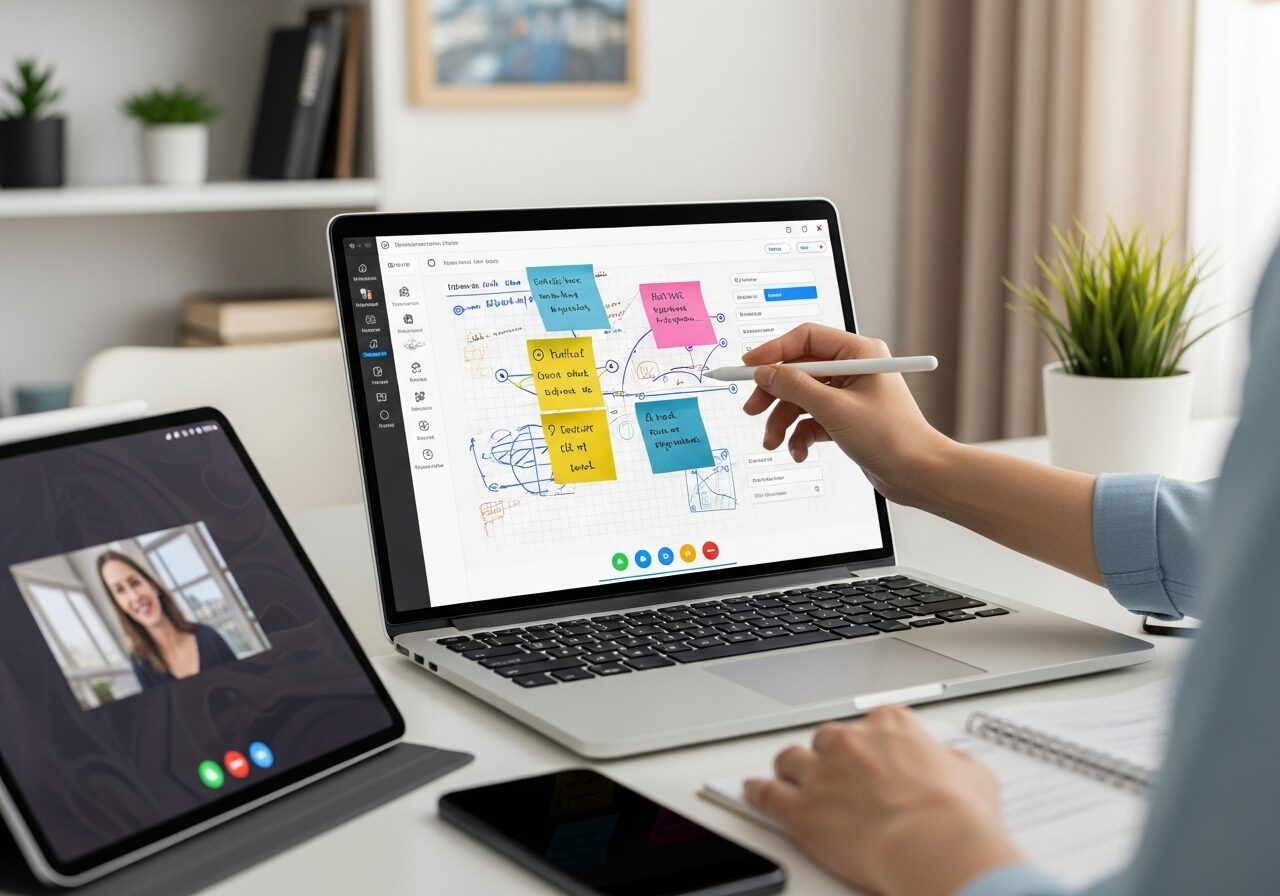
Online teaching or tutoring is rising significantly, as over 70% of students prefer online tutoring to traditional teaching. Among the many reasons, one is the use of various digital tools. Also, as the number of online learners is expected to reach 57 million by 2027, the pressure on tutors to deliver high-impact, visually interactive lessons has never been greater.
It is therefore necessary for tutors to incorporate digital writing software for online teaching. Such tools help simulate the old-school classroom whiteboard, with many advanced features. You can sketch diagrams, annotate live, collaborate with students in real time, and save your lesson notes digitally for reuse.
Whether you are looking to grow your tutoring business or give your students a better experience, investing in writing software for teaching can be a wise decision. But which one is the best for you?
Well, in this article, we will list out the top 5 writing software for online teaching and why it is best for you so that you can make an informed decision.
Why Do You Need Digital Writing Software for Online Teaching?
Online tutoring is not just about showing slides and explaining concepts; it is about offering an experience that keeps the students engaged throughout. Some research indicates that interactive digital tools can significantly increase engagement.
That’s exactly what digital writing software for online teaching delivers: a dynamic, interactive way to explain, illustrate, and collaborate in real time. Here are some reasons why you need the best writing software for online teaching:
- Recreates the classroom whiteboard: The digital writing tool mimics the feel of a real whiteboard. You can draw, annotate, and even explain complex ideas right from your laptop.
- Makes Lesson Planning Simpler: Many writing software programs for teaching include reusable templates and note-saving features, making lesson planning faster and more consistent.
- Better Brand Image: If the best writing software for online teaching is paired with other tools like an LMS or tutor scheduling software, it will make classes more polished, organized, and business-ready.
- Better Student Engagement: Interactive boards let students participate directly in solving problems, brainstorming ideas, and collaborating on projects, which are essential for high-impact tutoring.
- Scale Your Tutoring Business: The digital writing software for online teaching helps standardize lesson delivery, track progress, and even manage multiple sessions easily. It can be quite effective to expand your tutoring business.
Top Digital Writing Software for Online Teaching
Selecting the right digital writing software for online teaching is a differentiating factor between a static online class and an engaging one. Here are the top writing software programs for teaching:
1. Microsoft Whiteboard: The Classic Choice for Online Teachers
Microsoft Whiteboard is one of the best options for writing software for online teaching. Tutors can collaborate in real time and use sticky notes and templates for all subjects.
Key Features:
- Integrates with Microsoft Teams, Zoom, and Google Meet.
- Real-time writing with stylus or touch support.
- Cloud-saved boards you can reuse in future lessons.
Pro tip: You can utilize it along with tutor management software like Wise to attach boards to specific student sessions. It will help in saving time and also streamlining lesson tracking.
2. Notes Writer: Best for iPad Tutors and Lesson Planning
For tutors who prefer handwritten notes, Notes Writer is a great option, offering a clean, paper-like writing experience that is ideal for creating engaging lesson plans.
Key Features:
- Natural pen input with Apple Pencil.
- Organize lessons by subject and topic.
- Import/export to Google Drive or Dropbox.
It is great for any educator, whether it is a writing instructor or a language tutor.
3. Conceptboard: Perfect for High-Impact, Visual Tutoring
If you are a tutor wanting to deliver high-impact tutoring across different subjects, opt for Conceptboard. Visual workspaces can help tutors design interactive and collaborative lessons.
Key Features:
- Infinite canvas for visuals, diagrams, and mind maps.
- Commenting and task assignment for group learning.
- Built-in video conferencing and presentation tools.
4. BitPaper: Best Free Tool for Budget-Conscious Tutors
BitPaper is one of the best writing software tools for online teaching, as it is browser-based, intuitive, and perfect for quick, real-time sessions.
Key Features:
- Multi-page whiteboard with text, images, and drawing tools.
- Built-in voice and video chat.
- Share boards with students instantly.
5. Miro: A Great Alternative for Google Jamboard
Tutors who like to have interactive visuals are going to love Miro. An alternate option for Jamboard, it is an infinite canvas that lets you create mind maps, diagrams, and flowcharts effortlessly.
Key Features:
- Micro integrates easily with Zoom, Google Meet,
- Can integrate with LMS
- Visual collaboration and brainstorming
- Unifies teaching ecosystem
Students can collaborate in real time, making it perfect for team-based projects or concept visualization.
Quick Comparison: Best Digital Writing Software for Online Teaching
Deciding on the best digital writing software for online teaching is an important decision, so you must consider various factors. Here is a side-by-side comparison that highlights each platform’s key strengths, integrations, and pricing:
|
Software |
Best For |
Key Features |
Integration |
Pricing |
|
Microsoft Whiteboard |
Real-time math and science explanations |
Offers stylus support, templates, Teams integration |
Works effortlessly with Microsoft 365 |
Free with Microsoft account |
|
Notes Writer |
Lesson planning and annotation |
PDF markup, handwriting, offline note storage |
iOS exclusive; iCloud sync |
Free basic + Premium version |
|
Conceptboard |
Collaborative visual teaching |
Presentation mode, feedback tools, image uploads |
Works with Google Drive, Slack, and Zoom |
Free plan/Paid |
|
BitPaper |
One-on-one online tutoring |
Whiteboard, PDF annotation, video chat |
Compatible with browsers and video platforms |
Free trial/Paid |
|
Miro |
Visual collaboration and brainstorming |
Infinite canvas, sticky notes, flowcharts, templates |
Integrates with Zoom, Google Meet, and most LMS platforms |
Free plan/Paid |
What Makes the Best Writing Software for Online Teaching?
Every writing software for online teaching that you see will not be the same. The best tools go beyond simple drawing; they enhance lesson delivery, improve interactivity, and fit seamlessly into your tutoring workflow.
When you are looking for the right platform, you must consider features that can improve engagement and save it while remaining professional. Here are some aspects that make a writing software apt for online teaching:
- Real-time collaboration can help tutors and students write or draw together for active learning.
- Low-latency performance will ensure smooth and lag-free handwriting and diagram creation.
- It is also necessary that the writing software for teaching support both stylus and touch for a natural writing feel.
- If the writing software for online teaching includes cloud storage and sync options, it can help keep notes, recordings, and whiteboards accessible.
- It should integrate with LMS and video platforms such as Zoom or Google Meet.
- Reusable templates will simplify lesson plan creation and help maintain consistency across sessions.
- The best writing software for online teaching must be compatible with multiple devices, allowing teaching from laptops, tablets, and even interactive boards.
- It allows quick distribution of notes and assignment post-class.
- Scalability to work across different software to manage multiple classes.
Conclusion
To navigate the online learning landscape, tutors must choose the right digital writing software to create truly interactive and engaging lessons. It can transform the entire learning experience for the learners and the teaching experience for the tutors. Simply put, the best writing software for online teaching is the key to delivering high-impact sessions and scaling your tutoring business effectively.
FAQs About Digital Writing Software for Online Teaching
Why is writing software important for online teaching?
It makes lessons more interactive, helps tutors explain complex topics visually, and keeps students engaged, which is essential for effective, high-impact tutoring.
Can writing software improve student learning outcomes?
Yes. Studies show interactive lessons can increase student engagement by up to 60%. Real-time visuals and annotations enhance understanding and retention compared to static slides.
What devices work best for writing software?
A tablet or iPad with a stylus offers the smoothest writing experience. However, many platforms also support laptops with touchpads or mouse input.
What features should I look for in the best writing software for teaching?
Key features include stylus support, low latency, real-time collaboration, reusable templates, and cloud syncing. Integration with tutor management software or an LMS is also a plus.