A parent looking for an algebra tutor will probably check your website before sending a message. Can they see which grades you teach? Is your availability clear? Can they book an introductory call without waiting for an email? A good tutoring website answers those questions in minutes.
The best website builder for tutoring business owners is not necessarily the one with the fanciest templates. It is the one that helps prospective students find you, understand your teaching approach and take the next step. Below is an updated comparison of five platforms from the original guide, with a closer look at what each can actually do in 2026.
TL;DR: Best website builders for tutoring businesses
- Wix: Best all-round choice for tutors who want a site and online bookings in one place.
- Squarespace: Best for a polished brand and service-focused website.
- WordPress.org: Best for flexibility, content marketing and custom features.
- Weebly: Best for a straightforward brochure-style site.
- Shopify: Best for tutors selling worksheets, digital resources and course products.
Why tutors need a website in 2026
A tutoring website is your digital front desk. It tells families what you teach, who you work with and how to get started. A clear site can answer common questions before a parent calls, while subject-specific pages give search engines useful context. For local lessons, include your city and service area; for online sessions, explain the time zones you accommodate.
What to look for in the best website builder for tutors
When deciding on the best website builder for tutors, test the tasks your students will actually complete:
- Easy editing: Can you change lesson prices and available subjects yourself?
- Booking: Can parents select an available time without a long email exchange?
- Payments: Can you collect deposits or sell lesson packages where supported?
- Mobile design: Is the booking button easy to use on a phone?
- SEO: Can you edit page titles, descriptions and URLs?
- Growth: Can you add tutors, resources or a separate course catalog later?
There is no reason to pay for an elaborate setup if you only need a few pages. Still, a basic website should not make visitors hunt for a contact button or lesson information. Choose the smallest setup that handles today’s needs and gives you room to grow.
Top 5 website builders for tutoring businesses
1. Wix: Best for bookings and a quick launch
Wix offers a visual editor and a large selection of layouts, making it approachable for tutors who do not want to work with code. Its Bookings feature supports appointments, classes and courses, along with availability settings and client reminders. You can also sell certain lesson packages or memberships.
For example, an ACT tutor could offer a free consultation, a paid diagnostic session and a six-week preparation package from the same website. The important distinction is that Wix Bookings can be added free, but accepting bookings and online payments requires an eligible paid plan.
Pros and limitations
Pros: Flexible page design, built-in booking workflows, payment options and basic SEO controls.
Limitations: Costs rise with paid features. Tutors should check package restrictions and test the mobile booking journey before publishing.
Wix is a strong candidate for the best website builder for online tutoring when the priority is getting a professional website and functioning appointment calendar online quickly.
2. Squarespace: Best for a polished tutoring brand
Squarespace is particularly appealing to tutors who want a clean, consistent visual identity. Its templates work well for tutor biographies, service descriptions, testimonials and helpful blog posts. It also supports service selling and appointment scheduling through Acuity.
A private French tutor could use a simple homepage to explain their teaching style, display lesson options and invite visitors to book a trial conversation. Acuity can handle appointment availability, reminders, intake forms and payments, but it is a separate subscription. That extra cost matters when comparing plans.
Pros and limitations
Pros: Professional templates, straightforward content management, marketing tools and Acuity scheduling integration.
Limitations: Scheduling may add a separate subscription, and highly customized tutoring workflows can require external software.
For a solo tutor building a premium personal brand, Squarespace may be the most attractive choice. A growing agency will still need to think about student records and tutor administration.
3. WordPress.org: Best for customization and SEO content
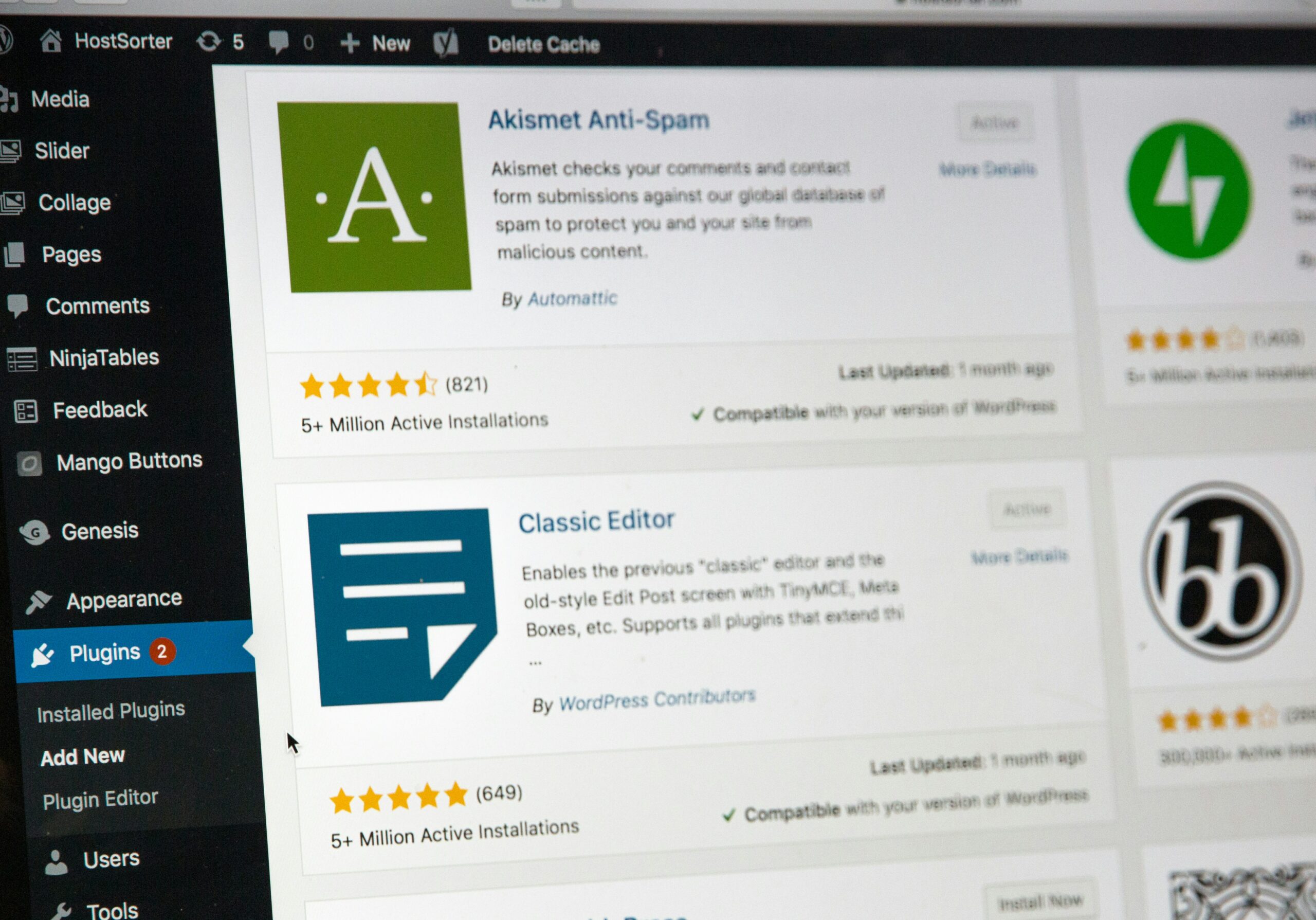
WordPress.org gives tutors more control over the site they build. It is open-source software, but you arrange hosting, security and maintenance yourself or pay someone to handle them. Its biggest advantage is the ecosystem of themes and plugins.
A tutoring agency could publish detailed guides on AP Calculus, build subject-specific landing pages and add an appointment plugin such as Amelia. That flexibility is useful if the business grows beyond one tutor or one location. It also creates more responsibility: plugins must be updated, checked for compatibility and kept secure.
Pros and limitations
Pros: Extensive design control, strong blogging options, many integrations and freedom to change hosting providers.
Limitations: Hosting and premium tools cost extra. Technical maintenance can become time-consuming.
WordPress may be the best website builder for tutoring business teams with ambitious content plans and someone who can manage the technical side. It is less convenient for a tutor who wants everything maintained automatically.
4. Weebly: Best for a simple, low-maintenance presence
Weebly, part of Square’s website ecosystem, remains an option for tutors who need a straightforward site with service descriptions, contact details and basic business information. Its appeal is simplicity rather than sophisticated course delivery.
A tutor offering a handful of in-person lessons each week may only need an introduction, a pricing page and an inquiry form. In that situation, an elaborate website can be unnecessary. However, product development and feature availability should be checked carefully against Square’s current offerings before choosing a long-term setup.
Pros and limitations
Pros: Relatively simple site editing and a familiar entry point for small service businesses.
Limitations: Less design flexibility and fewer tutoring-specific workflows than more extensible alternatives.
5. Shopify: Best for tutoring resources and digital products
Shopify is built primarily for ecommerce, so it makes most sense when selling is a substantial part of the business. A math tutor could offer downloadable worksheets, practice packs and recorded revision resources alongside paid coaching. Shopify supports digital goods, with dedicated apps for delivering purchased files or links.
That does not make Shopify a complete tutoring management system. Live lesson scheduling, progress tracking and classroom tools may need additional apps or software. If most of your income comes from weekly appointments rather than products, a service-oriented builder may be easier to manage.
Pros and limitations
Pros: Strong checkout and product management, digital-product selling and room to expand an online store.
Limitations: Extra tools may be required for appointment booking and lesson delivery; ongoing app costs can add up.
Quick comparison: Which platform fits your tutoring model?
| Platform | Best For | Main Consideration |
| Wix | Live lessons and online bookings | Paid plan for accepting bookings |
| Squarespace | Professional service websites | Acuity subscription for scheduling |
| WordPress.org | Content-rich, customizable sites | Hosting and maintenance |
| Weebly | Basic tutoring information sites | Limited room for complex workflows |
| Shopify | Digital learning products | Additional tools for live tutoring |
How to build a tutoring website that brings in students
If you are wondering how to build a tutoring website, start with the visitor rather than the design. A parent should immediately understand whom you teach, what problem you solve and what to do next.
- Choose a clear domain. Keep it short and easy to spell. If you teach locally, make your service area visible on the homepage.
- Write useful service pages. State the subjects, grade levels, lesson formats and typical session lengths.
- Explain pricing. Even a starting rate or a clear “request a quote” process is better than leaving families guessing.
- Add proof. Qualifications, teaching experience and permission-based testimonials build trust.
- Make booking simple. Test the form, confirmation email and cancellation process yourself.
- Check mobile usability. Parents often find tutors on their phones, so small buttons and slow pages can cost inquiries.
You do not need twenty pages to build a tutoring website. A strong homepage, About page, subject pages, pricing information and a contact or booking page are enough to begin. Add helpful articles as you learn which questions prospective students ask most often.
How Wise supports your tutoring website
A website attracts inquiries; running the lessons is a separate job. Once a student signs up, tutors still need to manage recurring schedules, attendance, payments and progress. Wise provides tutor-management tools intended for those operational tasks, including live-class workflows and student administration.
If your business is expanding, compare Wise’s tutor management software and scheduling features alongside the website’s booking options. Avoid paying for overlapping systems unless there is a clear reason.
A website and a tutoring platform solve different problems. The former helps people discover and contact you; the latter helps deliver lessons and manage students. If you use both, check the handoff between inquiry, booking, payment and the first class before launch.
Summing up: What is the best tutoring website builder?
There is no single answer to what is the best tutoring website builder? Wix is convenient for appointments, Squarespace presents a polished brand, WordPress offers control, Weebly keeps things basic and Shopify suits product sales. The right choice depends on how students discover you and what happens after they click “Book.”
The best website builder for tutors should save time rather than create new chores. For the best website builder for online tutoring, prioritize reliable scheduling and an easy mobile experience. If you want to build a tutoring website that grows with your business, test those essentials before paying for extra features.
FAQs
What is the best tutoring website builder for beginners?
Wix and Squarespace are approachable starting points because they handle much of the site setup. Compare the total cost of booking and payment tools before deciding.
How much does it cost to build a tutoring website?
Costs vary by domain, subscription, booking software and payment processing. A basic informational site is cheaper than a system handling classes, packages and online payments. Check current plan pricing rather than relying on old estimates.
Can I build a tutoring website without coding?
Yes. Template-based builders can help you build a tutoring website without writing code. WordPress can also be used without coding, although maintenance may require technical help.
What pages should a tutoring website include?
Start with Home, About, Services, Pricing and Contact or Book Now. Add testimonials only with permission and keep policies easy to find.
How do I attract students after launching?
Publish useful answers to common learning questions, optimize subject and location pages, and make inquiries easy. Wise’s guide to how to build a tutoring website also covers the steps from planning to launch.
Related reading
How to Build a Website for a Tutoring Business
SEO for Tutoring Businesses: How to Rank and Attract More Students
Startup Costs for Tutoring Business Explained
Best Website Builders for Tutoring Business: Original Comparison