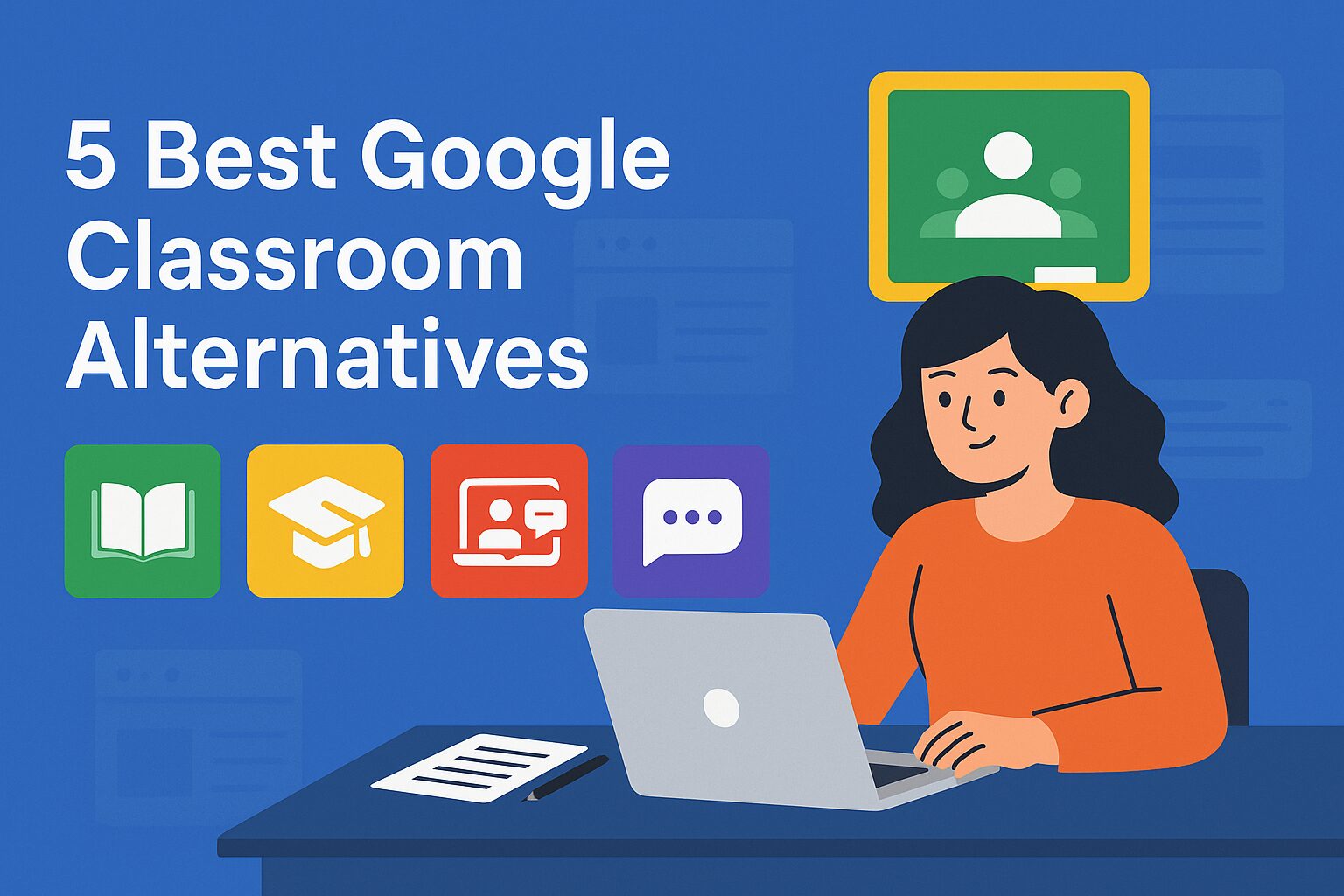
TLDR: 5 Best Google Classroom Alternatives for Tutoring Businesses (2026)
- Wise: Best Google Classroom alternative for tutoring businesses
- LearnCube: Best for live online tutoring and language schools
- Moodle: Best for a flexible, customizable LMS
- Canvas: Best for schools and large education institutions
- Microsoft Teams: Best for Microsoft 365-based education environments
Google Classroom is one of the most widely used digital learning platforms, with more than 150 million teachers and students using Classroom and Assignments globally. Its popularity comes from its straightforward approach to managing assignments, resources, communication, and grading, particularly for schools already using Google Workspace.
However, tutoring businesses often need more than classroom management. Scheduling sessions, managing tutors, collecting payments, tracking attendance, monitoring student progress, and delivering live classes can all form part of the tutoring workflow.
This is where specialized Google Classroom alternatives can offer broader capabilities.
Why Look for a Google Classroom Alternative?
Google Classroom works well when the primary requirement is organizing coursework within the Google ecosystem. It supports assignments, grading, rubrics, feedback, class discussions, analytics, and integrations with Google tools.
Paid Google Workspace for Education editions add capabilities such as advanced analytics, originality reports, and additional teaching tools. For a tutoring business, however, the workflow can extend beyond the classroom.
A tutoring company may need to:
- Schedule recurring 1:1 and group sessions
- Manage multiple tutors and students
- Collect fees and automate invoices
- Track attendance and tutor payouts
- Run live classes
- Share recordings and learning resources
- Monitor student engagement and progress
- Communicate with parents and learners
- Offer self-booking
- Build a branded learning experience
When these functions are spread across several applications, tutoring software or tutor management software can be a better fit than using Google Classroom as the central system.
Top 5 Google Classroom Alternatives in 2026
1. Wise
Wise is a tutoring software built specifically around the operational needs of tutoring businesses, combining learning management with scheduling, student and tutor management, billing, live classes, communication, and reporting. That makes it particularly relevant for businesses delivering both 1:1 and group tutoring rather than only managing school coursework.
Key Highlights:
- Smart scheduling: Manage availability, recurring sessions, self-booking and Google Calendar sync.
- Live tutoring: Integrate Zoom with recordings and AI-generated summaries.
- Tutor and student management: Organize learners, tutors, courses, and resources.
- Automated billing: Handle invoices, payments, recurring billing and tutor payouts.
- Communication: Use chat, email, WhatsApp and push notifications.
- Learning and progress: Create assessments, homework and quizzes while tracking performance.
- Branded experience: Offer white-label web and mobile apps.
Case Studies:
- Study Smart UK, a London-based tutoring service, automated scheduling and billing with Wise, saving hours of admin time weekly and improving the student experience. Read here
- Sem Tuition, a tutoring company, switched from manual systems and outgrew TutorCruncher-style tools by adopting Wise. They now run 300+ sessions a month with zero payment chasing and minimal admin.
2. LearnCube
LearnCube is designed specifically for online tutoring and language education. Its virtual classroom combines video, audio, chat, and an interactive whiteboard, while its Online School product adds scheduling, student management, payments, reporting, and other administrative capabilities.
Key highlights:
- Interactive virtual classroom with video, audio, chat and whiteboard
- Content library for teaching materials
- Breakout rooms and classroom management tools
- Class scheduling and automated reminders
- Student enrolment and teacher availability management
- Attendance and class reporting
- Learning analytics, including talk-time data
- Payment and package management through its Online School offering
- Branding options and custom domains
- APIs and SSO for larger organizations
Cons: Some advanced capabilities are tied to higher-tier products or add-ons, so businesses should compare the exact features included in their chosen plan.
Case Study:
LearnCube’s own site highlights how language schools used its virtual classrooms to expand globally while maintaining consistent teaching quality.
3. Moodle
Moodle is an open-source LMS that gives schools, educators, and organizations substantial control over how they structure their learning environment. The self-hosted Moodle LMS is free to download and can be extended with plugins, while MoodleCloud offers a managed alternative for organizations without the need to maintain their own servers.
Key highlights:
- Course and lesson creation
- Assignments, quizzes and assessments
- Grading and learner communication
- Competency frameworks
- Certificates
- Extensive plugin ecosystem
- Self-hosting and customization
- Mobile app support
- Built-in BigBlueButton integration on MoodleCloud
- Reporting and learner engagement insights
Cons: Self-hosted Moodle requires technical setup, maintenance, and administration. Businesses wanting a ready-to-use tutoring management system may prefer a more managed platform.
Case Study:
The University of Indonesia upgraded to Moodle 4.4 to support over 55,900 active learners and automatically create 13,800 new courses per semester. They implemented camera proctoring, Safe Exam Browser, and analytics integrations to enhance performance and exam security at scale.
4. Canvas
Canvas by Instructure is a comprehensive LMS designed for structured teaching and learning at scale. It provides dedicated tools for course delivery, assignments, grading, communication, analytics, and integrations, making it one of the more established alternatives to Google Classroom.
Key highlights:
- Course creation and content management
- Assignments, quizzes, and rubrics
- Gradebook and SpeedGrader
- Course and administrative analytics
- Discussions and messaging
- Mobile applications
- Accessibility features
- SIS and LTI integrations
- More than 1,000 external integrations
- AI-supported teaching and learning features in newer Canvas tiers
Cons: Canvas is primarily designed for institutional learning environments, so smaller tutoring businesses may find its breadth more than they need.
Case Study:
General Assembly used Canvas to deliver global workforce training. Canvas’ analytics improved learner visibility, engagement tracking, and completion rates across multiple geographies.
5. Microsoft Teams for Education
Microsoft Teams for Education combines communication, video collaboration, assignments, class materials, and notes within the Microsoft ecosystem. The education version is available free to eligible institutions with an active education email address.
Key highlights:
- Video meetings and class communication
- Assignments and grading
- Rubrics and alternative grading schemes
- Class teams and channels
- File sharing and collaboration
- OneNote integration
- Student progress tracking
- Education Insights
- Integration with Microsoft 365 apps
- AI-assisted and personalized learning tools
Cons: Teams is fundamentally a collaboration and communication platform so tutoring businesses may need additional tools for specialized functions such as tutoring-specific scheduling, billing, self-booking, and tutor payouts.
Case Study:
Oshwal Education & Relief Board used Microsoft Teams to support 3,000+ students with remote learning, lessons, assignments, and collaboration. Microsoft reports 25% higher student engagement, 30% greater efficiency, and 15% cost savings.
How to Choose the Right Google Classroom Alternative?
The right Google Classroom alternative should fit both your teaching model and day-to-day operations. Before choosing apps like Google Classroom, consider these key factors:
- Core teaching features: Look for live classes, assignments, assessments, attendance, and progress tracking.
- Tutoring management: Check for tutor management, scheduling, self-booking, and student management tools.
- Payments and billing: Consider invoicing, recurring payments, and automated payment collection.
- Integrations: Ensure the platform works with tools your tutors already use, such as calendars and video conferencing.
- Scalability: Choose a solution that can support more tutors, students and courses as your business grows.
- User experience: Prioritize intuitive interfaces, mobile access, and reliable customer support.
- Branding: If building a distinct learning experience matters, explore white-label and customization options.
Comparing these features alongside pricing can help you select an alternative that can help scale your tutoring business.
Conclusion
The best Google Classroom alternative depends on what you need beyond basic classroom management. While platforms such as Moodle, Canvas, and Microsoft Teams offer strong learning and collaboration capabilities, tutoring businesses may also need scheduling, tutor management, billing, live classes, and progress tracking.
Evaluating these capabilities together can help you choose a platform that strengthens teaching while simplifying everyday operations.
Frequently Asked Questions
Is Google Classroom good for tutoring?
Google Classroom can work well for sharing resources, managing assignments, grading, and communicating with learners. Tutoring businesses with broader operational requirements may benefit more from dedicated tutoring software.
What should I look for in a Google Classroom alternative?
Look for scheduling, assignments, live classes, attendance, student progress tracking, communication, tutor management, payments, reporting, integrations, and branding.
Can Google Classroom replace tutoring management software?
For basic coursework management, it may be sufficient. Businesses managing multiple tutors, recurring sessions, payments, attendance, and student relationships generally need a broader tutoring management system.
What is the best Google Classroom alternative for tutoring businesses?
Wise is a strong option for tutoring businesses because it combines LMS features with scheduling, tutor management, payments, live classes, communication, attendance, and student progress tracking.
Can a tutoring business use Microsoft Teams instead of Google Classroom?
Yes. Teams for Education supports video collaboration, assignments, grading, class materials, and communication. A tutoring business may still need separate tools for specialized business functions such as payments and tutor management.