
Classroom teaching is one of the most effective ways to exchange knowledge and educate young minds. We have not yet found any proper alternative to classroom teaching.
However, the form and structure of classroom teaching have evolved significantly over time. For instance, we are now aware of ‘Digital Classroom’ and online teaching methods. We have incorporated some smart technologies with the existing teaching tools only.
However, you need access to suitable online teaching tools and other smart technologies available right now!
20 Smart Technologies that You Should Experiment With

If you want to enhance your teaching process by incorporating smart technologies, consider using some online teaching tools.
SmartBoard
It’s an interactive digital board. It is also called an interactive whiteboard. Why should you replace the traditional blackboard with this smartboard?
This is an interactive tool that you can use for multiple activities. You can connect your smartboard to your smartphone, computer, or laptop, making every class more engaging and lively. Where can you get it? Of course, you can easily order these teaching tools online.
Speaker
When teaching in a physical classroom, you ensure you’re audible from every corner of the room, right? The same applies to online classrooms as well!
The students cannot follow you or concentrate if they cannot hear you properly. However, you can quickly solve this problem by placing a good speaker in your smart classroom.
Microphone
Like a speaker, good microphones are also interactive online teaching tools necessary for online classes in particular.
Smart Visualiser
A smart class promises a great presentation. This teaching tool can create wonder when you want to present a picture, video, or study material to your student. Not only for the physical classes but also in the live online classes, it will be one of the fun online teaching tools.
Stylus Pens
This is one of the most important technologies you must implement in your digital classroom. This is an effective online teaching tool that can be used in writing or editing on the screen of your smart devices.
Projector
A projector is also one of the primary requirements for setting up a digital classroom. With the help of a projector, you can make every session memorable. In physical classrooms, it creates a deep impact on learning. In online classes, its visual effects make this a fun online teaching tool.
Laptop
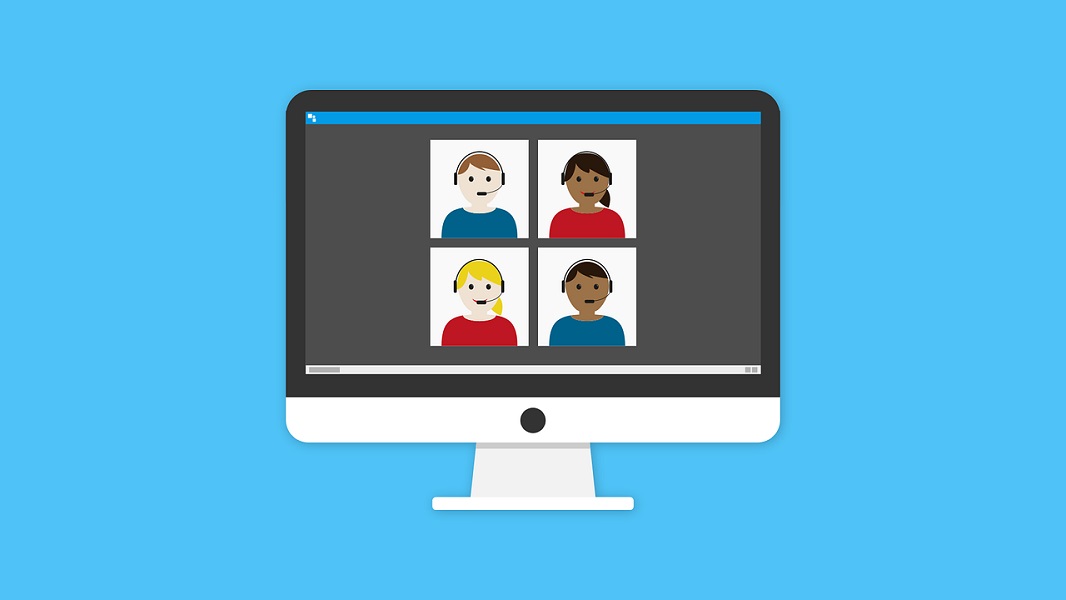
I know there is no need to mention why a laptop or a computer is a must. It’s the basics of a digital atmosphere. However, you need to incorporate tools that can be used for online teaching to leverage this device.
Tabs
You can consider it one of the backbones of your digital classroom system. It can be an alternative to books, copies, drawing books, or notes. So, include this in your list as well. On these devices also, you can download teaching tools online in minutes.
Software-Based Learning
You can use several software tools to enhance the learning experience in your smart classroom. Some of these tools are free online teaching tools. Alternatively, you can also opt for a dedicated teaching application, Wise App, which offers a wide range of services necessary for online teaching.
Video Conferencing Platforms
If you want to conduct an uninterrupted online live class, you should opt for some video conferencing platforms. Skype, Zoom, Google Meet, Slack, Team Viewer, Jitsi, Go to webinars, etc., are a few to name.
Cloud Technology System
These days, remote learning has become a good option. Although in this mode of learning, sometime students may feel disconnected from each other. The Cloud technology system is a game-changer. Some renowned cloud technologies include Google classroom, Micro education centre, Blackboard, etc.
Digital Library
This will be a valuable tool for you and your students whenever you need to do some reference work. You can either opt for the free online version or buy the premium one.
Check some platforms or websites such as Opals, PMB, KOHA, Marvel Soft Library Management System, and Mint book.
- Digital Podium- For conducting a smooth learning process, you may install a digital podium in your smart place. It combines various technologies that ensure the smooth delivery of a wide range of core activities in the digital learning space.
- Assessment tools- You can use these smart solutions to evaluate your students. Rubric, Google classroom, Socrative, Kahoot, Quizlet, and Coggle are some of the teaching tools online.
- Student Response system software- Generally, It is an excellent option to conduct an interactive session.
- Smart Printer- Smart printer is always a good asset if you want to run an offline smart classroom.
- Animation software- This will create learning an enjoyable experience. You can choose from Animaker, synfig, toonz, Blender, etc.
- Interactive lesson tool- For a great learning experience, these are matchless. Do check the names like Ed puzzle, Kahoot, Spell quiz, Power talk, Common lit, etc.
- Power bank- This is a major need for a smart learning space if you want to ensure smooth, uninterrupted learning and teaching experience.
- Google form- Believe me, it’s an amazing software for collecting feedback from your students.
Maintenance of this tool will be easy, and it will save you from spending money on a lot of things. You can also optimize your teaching experience with a one-in-all teaching platform, Wise App. This e-platform lets you create, manage and scale your online teaching business without investing in multiple technologies.
So, don’t limit yourself to a boring teaching style, and rather make it more colourful, and more intriguing by choosing the right technology.