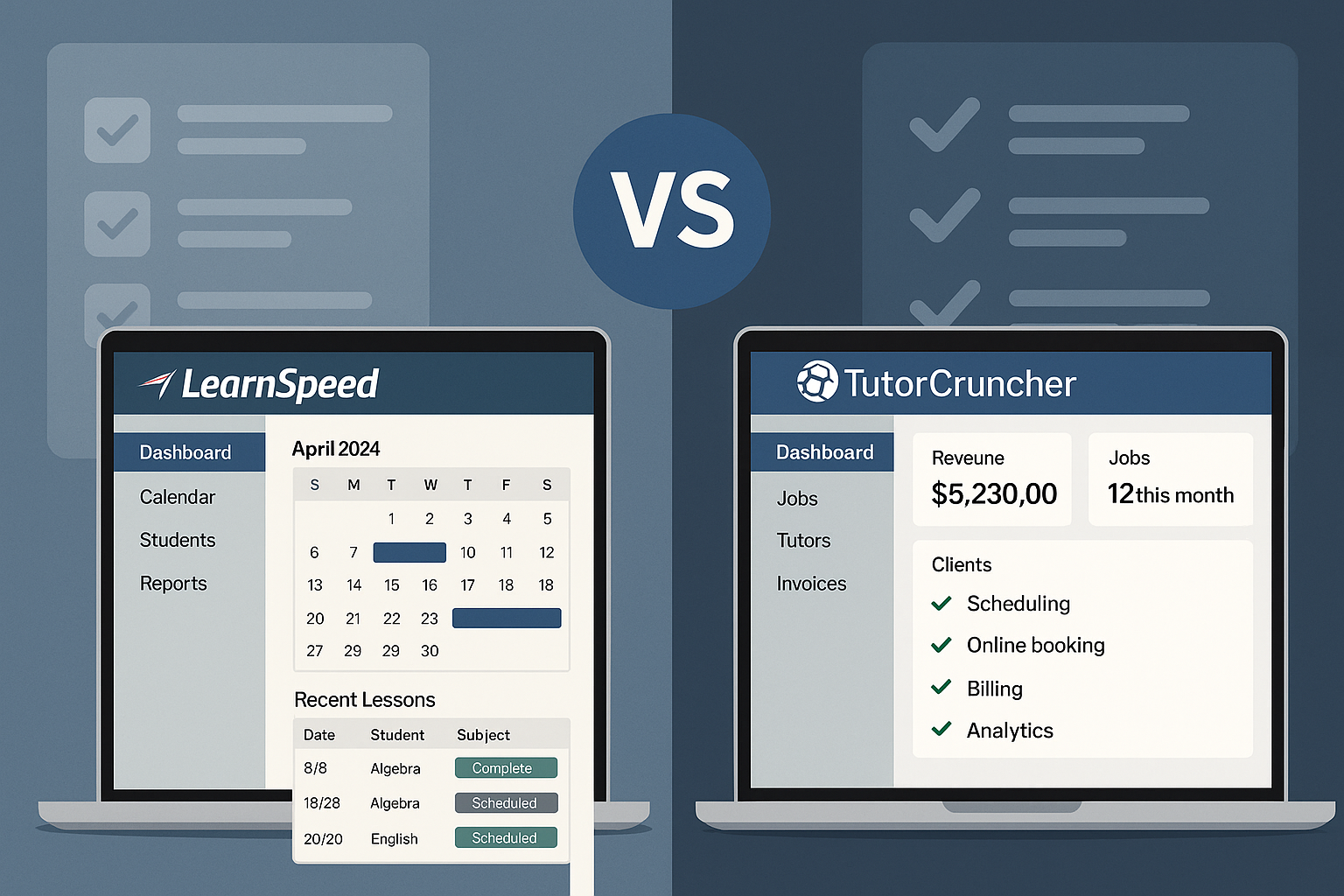
Starting a tutoring business can be more difficult than it seems. Managing every aspect manually can become daunting over time. Well, if you are also operating a tutoring business the traditional way and getting overwhelmed, then you are not alone. Let’s face it, it’s time for a change. And the most-needed change is adopting a tutor management software. Did you know that the tutor management software market was expected to be valued at USD 5 billion in 2023, also it is further expected to rise to USD 15 billion by 2032. That’s about 12% CAGR. Several tutoring software providers have entered the market and gained considerable fame. The two names that stand out are LearnSpeed and TutorCruncher. Where one platform is sleek and modern, the other one is a veteran yet robust.
As a tutor, you must be wondering which one is better between the two. The confusion ends here as we unfold the LearnSpeed vs TutorCruncher dilemma. Let’s under which platform will be the perfect choice for you.
LearnSpeed vs TutorCruncher: Overview
Managing a tutoring business efficiently is a challenging task; however, for efficient management, platforms such as LearnSpeed and TutorCruncher stand out as two of the most trusted options available on the market. Both platforms offer solutions, ranging from scheduling to invoicing and session tracking to communication; however, there are still distinct differences between the two.
LearnSpeed: Powerhouse for Customization
LearnSpeed was founded in 2006 and is a platform tailored for tutoring businesses and test prep centers that are serious about the tutoring business. This platform is famous for its depth and configurability. Here is where the platform excels:
- Managing complex workflows
- Detailed session reporting
- Billing automation
- CRM and email marketing integrations
- Great for medium to large-sized teams.
TutorCruncher: The Sleek and Modern
TutorCruncher entered the market in 2013. It was built to fill in the gaps faced by several tutoring agencies. It features a sleek UI and an automation-first mindset, which makes it appear modern to businesses seeking efficiency and speed simultaneously. The outstanding features of the platform are:
- Seamless scheduling and booking
- Automated reminders and invoicing
- Tutor-student-client dashboards
- Built-in CRM and payroll tools
- Great for small to medium-sized teams.
LearnSpeed vs TutorCruncher: Feature-wise Comparison
Now that we understand the background of both tutor software platforms, it is time to examine the features that each platform offers and how they differ from one another.
Here is a feature-by-feature TutorCruncher vs LearnSpeed comparison table that will help you to know which platform excels in which aspect of tutor management software.
|
Feature Area |
LearnSpeed |
TutorCruncher |
|
Scheduling & Rescheduling |
Drag-and-drop calendar with flexible session types. Auto-reminders and session reports are emailed after every class. |
Robust calendar with auto-booking, reminders, and whiteboard integration via add-on. |
|
Billing & Invoicing |
Automated invoicing, QuickBooks integration, and session-credit tracking. Some users reported minor invoice glitches. |
Invoicing and payroll are handled internally, with PayPal integration; however, some users find the navigation less intuitive. |
|
Admin & User Management |
Tracks tutor, parent, and admin roles; logs sessions & attendance. Highly customizable interface. |
Clean tutor-student dashboard; booking, reminders, and client portal are well-regarded. |
|
Session Reports & Feedback |
Automatic session reports are emailed to parents and students after each lesson. Feature praised by users. |
Ability to attach whiteboards and notes. Users appreciate transparency. |
|
Integrations & Customization |
Offers extensive customization, including email templates and extra features. The interface is less modern. |
API support and whiteboard add-ons; praised for flexibility and frequent releases. |
|
Support & Training |
Highly rated, responsive support is available, along with onboarding and training (which may incur additional costs). |
Strong support, quick responses, and commitment to adding features based on feedback. |
LearnSpeed vs TutorCrunder: Price Concerns
Pricing for a tutor scheduling software or tutor management software can be a deal-breaker or a deal-maker. While both LearnSpeed and TutorCruncher offer services at a great value, their pricing models differ.
Here is a breakdown of the pricing for both the platform, which will help you understand which option is the best for your tutoring business:
LearnSpeed
- Quote-based pricing – $0.29 per user.
- Costs depend on user count, usage, and custom features.
- Suited for medium to large companies with extensive needs.
- Offers high customization and robust backend support.
TutorCruncher
- Flat rate – $30.00 per month.
- Pricing scales with business revenue and usage.
- Great for startups and mid-sized tutoring agencies.
- Easy to upgrade as your business grows.
LearnSpeed vs TutorCruncher: Pros and Cons
Considering the varying requirements of each organisation, some software may feel adequate, while others may not. Every tutor management software has its advantages and drawbacks, and the same applies to LearnSpeed and TutorCruncher.
Below are the detailed Pros and Cons for both LearnSpeed and TutorCruncher:
LearnSpeed
Pros:
- Highly Customizable: Built for tutoring centers that need tailored workflows and reporting structures.
- Advanced Session Logging: Tutors can input detailed notes, track progress, and attach lesson plans with precision and accuracy.
- Support for Test Prep & Learning Centers: Originally designed for test preparation, it has since evolved to become highly specialized in academic coaching.
- Robust CRM Integration: Excellent client and contact management features with built-in email campaign tools.
- Multi-Branch Management: Ideal for large organizations operating in multiple locations or that has different service models.
Cons:
- Steep Learning Curve: The UI is not very beginner-friendly; initial training is required.
- Limited Real-Time Automation: Fewer built-in automations for reminders, updates, and scheduling.
TutorCruncher
Pros:
- User-Friendly Interface: Modern, clean UI that’s easy for admins, tutors, and parents to navigate.
- Automated Workflows: From invoicing and payroll to reminders and scheduling, automation reduces admin load.
- Built-in Financial Tools: Handles commission splits, payments, and invoicing with ease.
- Transparent Pricing: Publicly available plans that scale with business size.
- Integrated Tutor & Parent Portals: Keeps all communications, bookings, and notes in one streamlined dashboard.
Cons:
- Less Customization: Fewer options to deeply tailor workflows compared to LearnSpeed.
- No Native Mobile App: Web-based access only; mobile optimization is decent but not app-level.
LearnSpeed vs TutorCruncher: Final Verdict
Ultimately, it is your business size, goals, and the level of control you require over operations that will help you decide which platform is the best choice for you. If you are running a large tutoring organisation or a test prep center that requires advanced customization, granular reporting, and multi-location support, LearnSpeed is the best option for you.
However, if you are a small or mid-sized tutoring business looking to streamline and automate various operations at an affordable price, then TutorCruncher is the best choice. It’s modern, easy to set up, and offers great value at an unbeatable price.
Nonetheless, both platforms are at the top in this category. It’s simply a matter of what best fits your requirements.
Conclusion
Choosing between the two platforms—LearnSpeed and TutorCruncher — can be confusing. To select the best option for you, it is best to list your requirements first. According to your workflow and business needs, you can choose either option. Understanding what both platforms have to offer, whether their offerings align with your requirements, and knowing if they are affordable and scalable is essential. Always remember that the right tutoring software can be quite a game-changer.
FAQs About LearnSpeed vs TutorCruncher
Can I use LearnSpeed or TutorCruncher for online classes via Zoom or Google Meet?
Yes, both platforms support session scheduling with video integrations; however, TutorCruncher supports this feature more natively.
Is customer support better with TutorCruncher or LearnSpeed?
TutorCruncher offers live chat and documentation that’s beginner-friendly. LearnSpeed support is more personalized, but it can be slower at times.
Are either of these platforms suitable for non-academic tutoring (e.g., music, art)?
TutorCruncher is more flexible and user-friendly for non-academic or mixed-subject tutoring agencies.
Can I process payments directly through these platforms?
TutorCruncher integrates with Stripe and GoCardless for seamless payment processing. LearnSpeed supports third-party integration, but additional configuration may be required.
Can both platforms manage tutor payroll automatically?
Yes, both LearnSpeed and TutorCruncher support payroll, but TutorCruncher has more intuitive built-in financial tools.