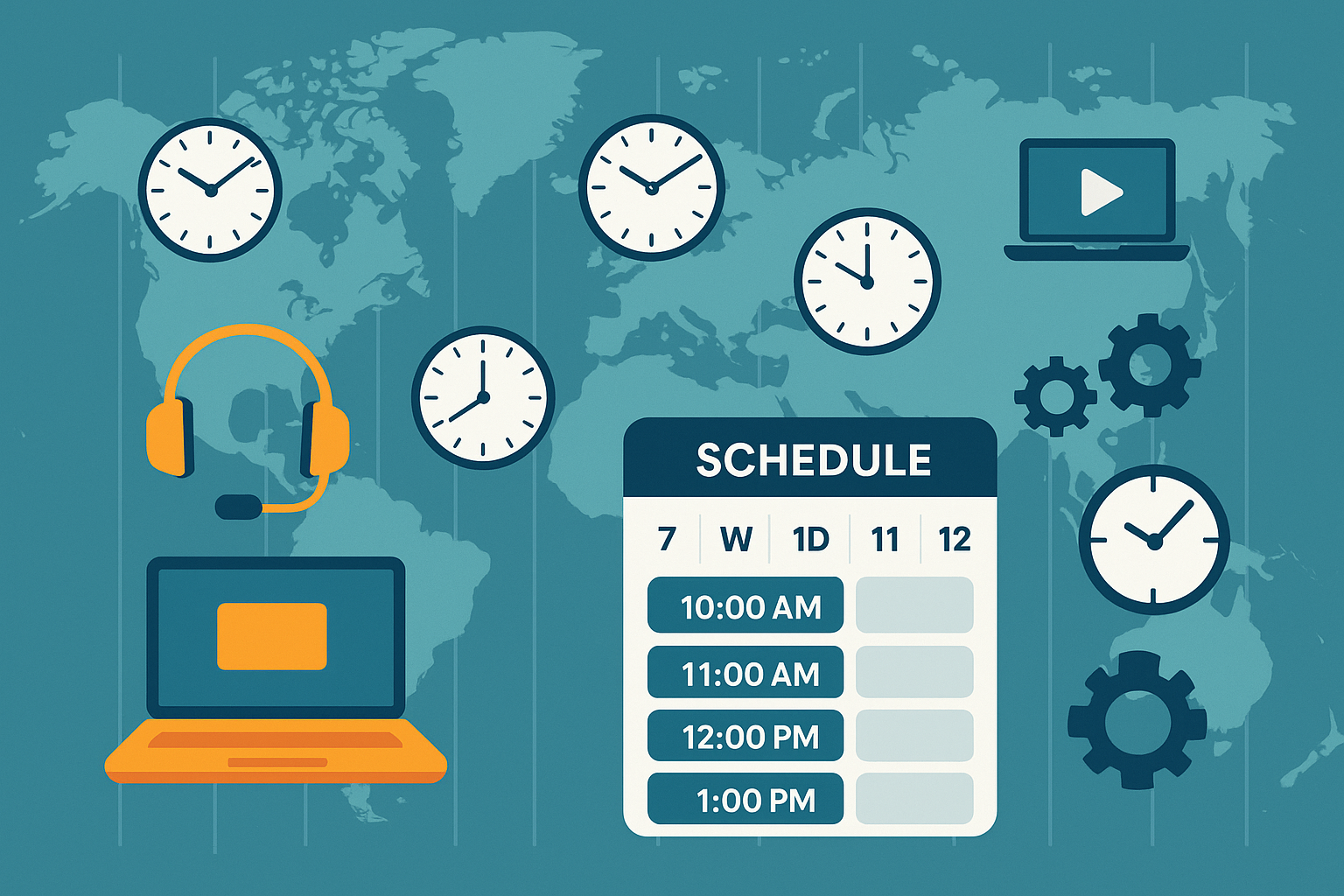
TL;DR: A Quick Highlights:
- Use automated scheduling tools to eliminate back-and-forth emails.
- Convert all sessions to one standard time zone (like GMT or your local time).
- Communicate clearly with both students and parents about time changes.
- Rely on tutor scheduling software to send reminders and avoid no-shows.
- Wise, the most advanced tutor management software, can make this process stress-free.
Introduction
Handling scheduling across multiple time zones is one of the biggest challenges for online tutors today. Whether you’re teaching students in California at 9 AM and another in London at 4 PM, time coordination can get tricky fast.
Let’s imagine that you run a growing tutoring business in Texas, and your students are from New York, Dubai, and Sydney. One missed time zone calculation, and your entire calendar could fall apart. It is exactly where smart scheduling strategies and tools like Wise come into play.
In this blog, we’ll break down simple, effective ways to handle time zone scheduling like a pro, reduce errors, and save time.
Why Time Zone Conflicts Are a Real Problem
Tutors working across countries often face the following issues:
- Double-booking sessions because of miscalculations.
- Missing appointments due to confusion between AM/PM or DST changes.
- Burnout from constantly adjusting schedules manually.
- Frustrated students or parents who feel disconnected.
The truth is, you can’t keep everything in your head. Relying on memory or handwritten notes just isn’t scalable. Especially if you’re aiming to grow your tutoring business, you need a better system.
Tactics for Tutors Managing Students Across Different Time Zones
The following tactics help busy tutors manage students across different time zones:
1. Use a Single Time Zone for All Sessions
One of the best ways to manage scheduling across time zones is by sticking to one fixed time zone, preferably your own.
Let’s say you’re in Chicago (Central Time). You can display all your available slots in Central Time, and your students can convert them to their local time. It reduces your risk of error.
Tip: Add a note in your email or booking form like “All sessions are in Central Time (CT). Please convert to your local time zone before booking.”
2. Automate Your Calendar
Instead of manually booking sessions and confirming each one, automate your calendar using tutor scheduling software. It is where Wise, the most advanced tutor scheduling software, steps in.
With Wise, you can:
- Set your availability based on your time zone
- Allow students to book sessions in their time zone.
- Automatically adjust for Daylight Saving Time.
- Send reminders to students to reduce last-minute cancellations.
For Example, A tutoring business in Florida uses Wise to manage 40+ students across five countries. By automating calendar invites and reminders, they’ve reduced no-shows by 70%.
3. Set Clear Communication Rules
Sometimes, confusion happens because of poor communication. Here’s how to improve it:
- Mention the session time zone in every message.
- Add time zone converters in your emails using tools like timeanddate.com.
- Use 24-hour format if your students are more familiar with it (especially in Europe or Asia).
- Set expectations for response time: “I usually reply within 12 hours due to time zone differences.”
4. Always Confirm the First Session
When onboarding a new student from another time zone, confirm the session time clearly.
Here’s a simple template: “Hi Sam, confirming our first session on Tuesday, July 16 at 4 PM IST / 6:30 AM EST. Please confirm if this works for you.”
That extra 30 seconds of clarity can save hours of back-and-forth and stress.
5. Use Time Zone-Friendly Scheduling Links
Platforms like Calendly, YouCanBookMe, and Acuity support auto-conversion of time zones, but they’re general tools. If you want an education-focused platform, Wise, the most advanced tutor management software, is built specifically for tutors.
Wise helps you:
- Share booking links that auto-convert time zones.
- Block off unavailable hours in your calendar.
- Reschedule sessions with one click.
- Avoid overbooking with built-in time buffers.
It’s not just a scheduler, it’s a full tutoring assistant that keeps everything running smoothly.
6. Handle Daylight Saving Time (DST) Like a Pro
DST can break even the most careful scheduling. The worst part? Not all countries follow it, and the switch happens on different dates.
What you can do:
- Use scheduling tools that auto-adjust for DST.
- Avoid manually editing every session; it’s too risky.
- Send reminders a week before the DST shift, especially if you and your student are in different DST zones.
With Wise, DST adjustments are taken care of automatically. You won’t need to fix anything manually. It ensures that your teaching remains consistent, no matter the season.
7. Offer Time Zone-Based Availability Slots
Instead of showing one giant calendar, group your sessions by time zones. It helps your students find slots that naturally fit their schedule.
For example: “If you’re in the UK, I offer morning sessions between 8 AM – 11 AM GMT.”
“If you’re in India, I offer evening sessions between 6 PM – 9 PM IST.”
This small adjustment can make your services feel more personalized, even if you’re managing a global clientele.
8. Train Your Team (If You Have One)
If you run a tutoring agency or have assistant tutors, standardize your scheduling rules.
Use tools like:
- Shared Google Calendars.
- Slack or email SOPs.
- Centralized dashboards inside Wise.
Having a consistent system means fewer mistakes and smoother operations.
9. Set Up Automated Reminders for Everyone
Reminders reduce no-shows and ensure that students remember their sessions, no matter what time zone they are in.
Wise lets you automate these with:
- Email reminders.
- SMS alerts.
- Calendar syncs.
Students will get the reminder in their local time, not yours. It is especially useful for younger learners or busy parents.
10. Let Wise Do the Heavy Lifting
Juggling time zones shouldn’t take up your energy. Your focus should be on teaching, not troubleshooting time clashes.
Wise, as the most advanced tutor management software, gives you the tools to:
- Schedule smartly.
- Automate communications.
- Manage payments and invoices.
- Track student progress.
Whether you teach solo or manage a team, Wise helps you achieve your tutoring goals without the chaos.
Real Example:
Take AceIT, for instance, a global language training company offering live sessions to students in Europe, Asia, and the Americas. Coordinating lessons across so many time zones was once a logistical nightmare.
But after switching to Wise, AceIT was able to streamline all its class schedules, ensure accurate time zone conversions, and eliminate communication gaps between tutors and students.
Now, every student sees their session in local time, tutors don’t miss classes, and AceIT can focus on improving the quality of learning rather than fixing scheduling errors.
Read AceIT’s full story here.
It is exactly how Wise empowers growing education businesses to scale confidently, without sacrificing accuracy or student satisfaction.
Summing Up
Managing tutoring sessions across time zones may seem like a nightmare at first. But with a few smart steps and the right tools, it can be simple and stress-free.
To recap:
- Stick to one base time zone.
- Use automated scheduling tools.
- Communicate clearly.
- Adjust for DST.
- Let Wise handle the admin work.
By putting a good system in place now, you’ll have more time to focus on what really matters, helping your students grow.
To learn more, explore Wise’s informative tutoring blog section.
FAQs
What’s the best way to handle scheduling across multiple time zones?
Using tutor scheduling software like Wise is the best way to manage sessions across time zones. It auto-converts time, sends reminders, and prevents overlaps.
How can I avoid time zone confusion with students?
Always list your sessions in one fixed time zone, and confirm each session clearly. Use tools like Wise to automate conversions and notifications.
What if students live in countries that observe DST?
Wise adjusts automatically for DST shifts, so neither you nor your students have to worry about missing sessions due to clock changes.
Is there a tool made for tutors that supports time zone booking?
Yes, Wise is the most advanced tutor scheduling software designed especially for tutors. It handles bookings, payments, and student records all in one place.
Can I manage students from different time zones without hiring an assistant?
Absolutely. Wise acts like your digital assistant by automating scheduling, invoicing, and more, so you can grow your business without extra help.